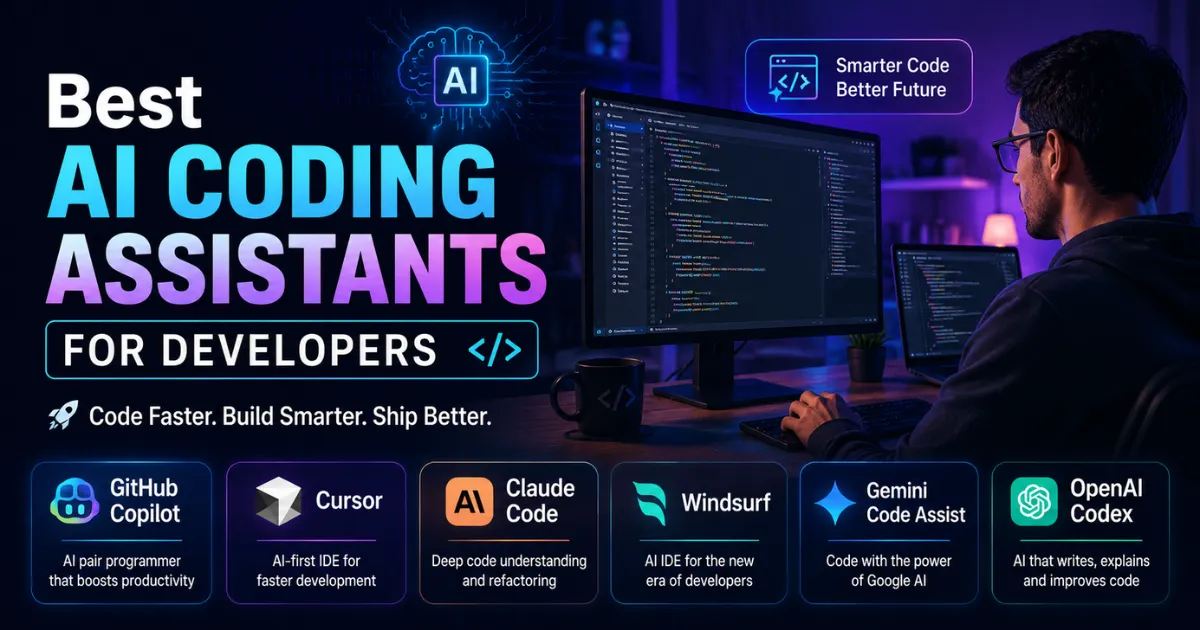
Best AI Coding Assistants for Developers : Software development has changed shape in just a couple of years. Tasks that once ate up entire afternoons — writing boilerplate, hunting down bugs, making sense of someone else’s messy codebase — now get wrapped up in minutes, thanks to a new generation of AI coding assistants. What used to feel like a nice-to-have add-on has quietly turned into a core part of how developers actually work.
And the competition for your attention (and your IDE) has never been fiercer. GitHub Copilot still holds the lion’s share of enterprise users, but it’s no longer coasting. Cursor, Claude Code, Windsurf, Gemini Code Assist, and OpenAI Codex are all pushing harder, rolling out AI agents that don’t just suggest the next line of code — they can plan, execute, and complete entire coding tasks on their own. Some recent industry reports even point to a trend that might raise an eyebrow or two: AI-generated code is increasingly shipping to production with lighter human review than before, a sign of just how much trust these tools have earned in a short span of time.
Best AI Coding Assistants for Developers
So if you’re trying to figure out which of the best AI coding assistants for developers is worth your time in 2026, here’s an honest, practical breakdown of where each one stands.
1. GitHub Copilot — The Reliable All-Rounder
GitHub Copilot is still the name most programmers know first. Thats for a good reason. It works well with Visual Studio Code, JetBrains IDEs, Vim and many other editors. These editors offer features, like smart code suggestions, automatically generated functions creating unit tests and clear explanations of code that already exists.GitHub Copilot helps developers with these tasks.It is used in different editors.
Why developers stick with it:
Its autocomplete remains genuinely excellent, and its tight integration with GitHub makes it a natural fit for teams already living inside that ecosystem. It supports a wide range of programming languages and scales well for enterprise-sized projects, which is part of why it continues to dominate corporate adoption numbers.
Best for: Developers who are already deep in the GitHub ecosystem and want a dependable, low-friction assistant.
2. Cursor — Built for Developers Who Think in Repositories, Not Files
Cursor has grown fast, and it’s easy to see why. Rather than functioning as a glorified autocomplete bar, it treats your entire repository as context. That means it can carry out multi-file refactors, follow logic across different parts of a project, and handle development tasks that go well beyond a single function or file.
Its newer agent capabilities have positioned it as a genuine rival to both Claude Code and Codex, particularly for developers who want an AI-native coding environment rather than a traditional IDE with AI bolted on.
Best for: Professional full-stack developers who want deep, repository-wide understanding baked into their daily workflow.
3. Claude Code — The Reasoning-First Choice for Complex Systems
Anthropic’s Claude Code has earned its reputation in a slightly different lane: it’s the one developers reach for when a problem needs actual reasoning, not just fast typing. Debugging a stubborn issue, refactoring code nobody’s touched in years, writing documentation that finally makes sense, or just thinking out loud about an architecture decision before committing to it — this is where it tends to shine.
What really sets it apart is how it handles big, tangled codebases. Instead of looking at each file in isolation, it tries to grasp how the different pieces of a system actually connect to each other. That kind of understanding matters a lot more once you’re working on a sprawling, enterprise-grade application, where getting the bigger picture right is just as important as getting the syntax right.
Best for: Large backend projects and serious engineering work where good reasoning and a solid grasp of architecture count for as much as the code itself.
4. Windsurf — The Budget-Friendly AI-Native IDE
Windsurf has carved out a loyal following among developers who want AI-native features without an enterprise price tag. Its Cascade workflow automatically indexes large repositories in the background, giving you intelligent, project-wide assistance without much manual setup.
It’s not trying to be the flashiest tool on this list — it’s trying to be the most practical one for people watching their budget.
Best for: Freelancers, startups, and developers who want strong value without paying for features they’ll rarely touch.
5. Gemini Code Assist — Built for the Google Cloud Crowd
Google’s Gemini Code Assist plugs naturally into the Google Cloud ecosystem, offering AI-powered coding support across a broad set of programming languages. If your infrastructure, deployment pipeline, and tooling already live on Google Cloud, this assistant slots in with noticeably less friction than the alternatives.
Best for: Teams and developers already building on Google Cloud infrastructure.
6. OpenAI Codex — Expanding Beyond Just Writing Code
OpenAI has been steadily pushing Codex past its original identity as a code-generation tool, turning it into something closer to a broader software engineering platform. Throughout 2026, adoption has climbed noticeably as developers lean on it not just for writing code, but for automation, debugging, and even aspects of project management.
Best for: Developers who want an AI-first workflow that extends beyond the editor itself.
Which AI Coding Assistant Should You Actually Choose?
There’s no single “best” answer here — it really comes down to what kind of developer you are and what you’re building.
- Beginners: GitHub Copilot
- Professional developers: Cursor
- Large enterprise projects: Claude Code
- Budget-conscious developers: Windsurf
- Google Cloud users: Gemini Code Assist
- AI-first workflows: OpenAI Codex
Final Thoughts
AI coding assistants have moved well past the “interesting experiment” phase. They’re now a standard part of how software gets built, and the investment pouring into making these agents more capable shows no sign of slowing down. At the same time, most experts agree on one thing: human oversight still matters enormously when it comes to architecture, security, and the kind of long-term maintainability that no AI tool can fully guarantee on its own.
For most developers heading deeper into 2026, the right choice comes down to workflow rather than hype. GitHub Copilot offers maturity and broad compatibility that’s hard to beat for everyday use. Cursor leads the pack for AI-native development built around whole repositories. Claude Code stands out when complex reasoning and large-scale architecture are the priority. Windsurf delivers strong value for developers watching costs. And Gemini Code Assist fits naturally for anyone already rooted in Google’s ecosystem.
Whichever you pick, one thing is clear: among the best AI coding assistants for developers in 2026, the real winner is the developer who knows exactly which tool fits the job in front of them.