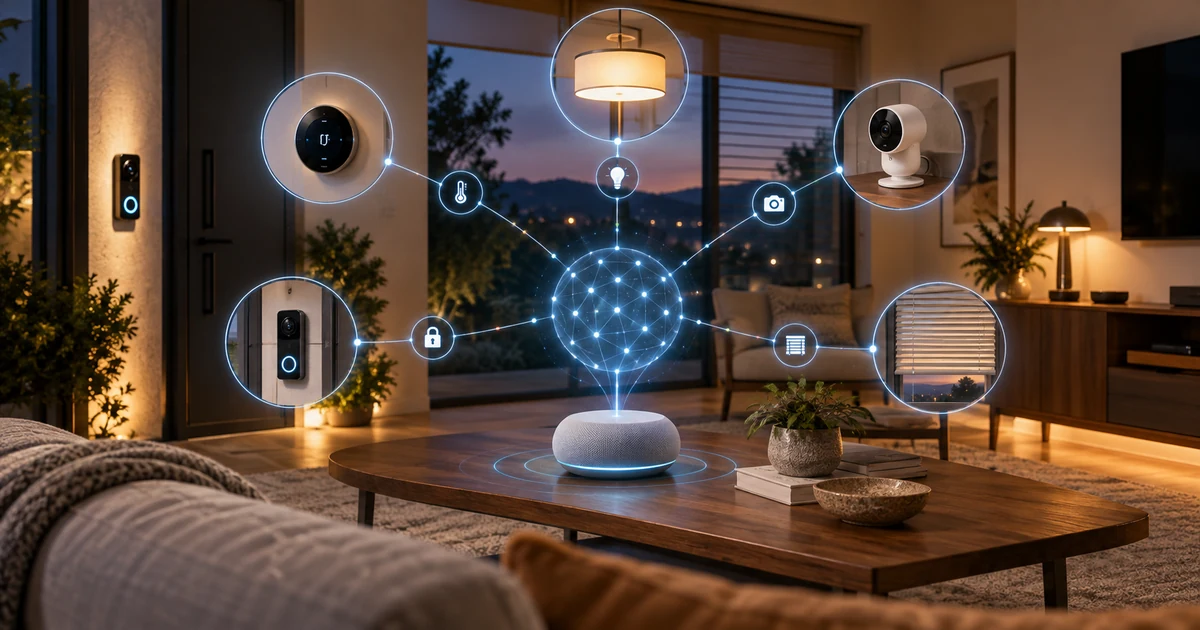
Google Home is taking a significant step beyond voice commands and preset routines. A new early-access feature called Home MCP allows compatible AI agents to connect to a user’s smart-home setup, inspect supported devices, check their current status, review activity history and carry out approved actions.
In practical terms, an AI agent could help answer questions such as “What happened while I was away?” or “Are any outdoor lights still on?” It could then use live device data or recorded events to provide an answer—and, when the requested action is supported, control the relevant device.
This is not a universal Google Home update yet. The feature is aimed at technically confident users and developers, and Google labels it Early Access. But it offers one of the clearest previews yet of how AI agents may move from chat windows into the physical spaces around us.
What is Google Home MCP?
MCP stands for Model Context Protocol, an open standard designed to help AI applications connect to external tools and services. Google’s Home MCP server acts as a secure bridge between an authorized AI client and the devices in a Google Home environment.
According to Google’s official Home MCP documentation, the system exposes five main capabilities:
- Finding homes, rooms and supported connected devices
- Checking device connectivity and real-time states
- Reviewing historical state changes and recorded events
- Running supported actions on one or more devices
- Providing device information an AI agent can use to answer broader questions
The important distinction is that the agent does not simply guess what is happening at home. Its responses can be grounded in data from the user’s own Google Home setup, subject to the permissions the user grants.
What can an AI agent control?
The exact controls depend on the hardware in the home and the commands each device supports. Lights, plugs, thermostats, blinds, cameras, doorbells and other compatible Google Home or Matter devices may expose different states and actions.
For example, an agent could check whether connected lights are on, identify devices that appear offline or turn off a group of supported lights. It could also combine several pieces of home data to answer a more natural question instead of requiring the user to check each room manually.
Google’s own testing suggestions include prompts such as asking how many lights are in the house, whether the home is secure, turning off outside lights and finding out what happened while the user was away.
Camera history could be the most useful feature
Home MCP can query historical events over a specified period, and supported camera events can include media links. That opens the door to more useful summaries of recorded activity.
Instead of scrolling through a long list of individual camera notifications, a user could ask an agent to look for relevant events and explain what it found. The usefulness will still depend on the camera, subscription, available history and the permissions granted to the agent.
Google Home Premium Advanced already includes features such as searchable camera history, event descriptions and daily summaries. Home MCP adds another layer by allowing a compatible external agent to combine home history with other supported tools and context.
No, an AI agent cannot unlock your door through Home MCP
Connecting an AI agent to physical devices creates a very different risk profile from asking a chatbot to summarize an email. Google acknowledges that an agent could behave unexpectedly or perform an action the user did not intend.
For that reason, Home MCP includes rate limits and safety protections. Google specifically says sensitive actions such as unlocking doors are prohibited. Access can also be revoked through the Google Home app or the user’s Google Account.
Google advises users to tell other household members when an agent has access to shared devices and home data. It also suggests using a separate test home for development when possible—a sensible precaution while the technology is still in early access.
Which AI agents work with Google Home MCP?
Google’s setup documentation currently provides guidance for Google Antigravity, Claude Cowork and OpenClaw. Because MCP is a standard rather than a single proprietary assistant, additional compatible clients could support the connection, provided they can handle Google’s required OAuth authentication flow.
Setup is not as simple as installing a typical smart-home app. Users need an active Google Home setup, a Google Cloud project, an MCP-compatible client and an active Google Home Premium Advanced subscription. They must enable the Home API, create OAuth credentials and authorize access to the selected home.
That makes the first version much more suitable for enthusiasts and developers than for the average household.
How much does it cost?
Google requires a Home Premium Advanced subscription for Home MCP. In the United States, the Advanced plan costs $20 per month or $200 per year at the time of publication.
The subscription also covers 60 days of event-based video history, 10 days of 24/7 video history for eligible wired cameras and doorbells, descriptive notifications, camera-history search and daily summaries. Device and regional availability can vary.
One major capability is still missing
Home MCP can discover devices, inspect states, retrieve history and run supported actions, but it cannot yet create or manage Google Home automations.
Google lists automation support as “Coming Soon.” That may eventually become one of the most meaningful parts of the platform. Instead of building a routine one trigger and action at a time, a user could describe the outcome they want and let an agent help construct the automation—with appropriate review and safety controls.
Why Home MCP matters
Most smart homes still depend on direct commands and carefully configured routines. AI agents introduce a different model: the user states a goal, while the agent gathers relevant information and chooses from the tools it is allowed to use.
Home MCP turns Google Home into infrastructure that outside AI agents can work with, rather than limiting users to one assistant experience. That flexibility is powerful, but it also makes permission design, transparency and household consent much more important.
For now, the feature remains an early-access experiment with a technical setup process and deliberate restrictions. If Google can simplify onboarding without weakening its safeguards, AI agents that understand and manage the home could become a practical part of everyday smart-home use—not just a developer demo.
1 thought on “Google Home Now Lets AI Agents Control Your Smart Home — Here’s What They Can Do”